
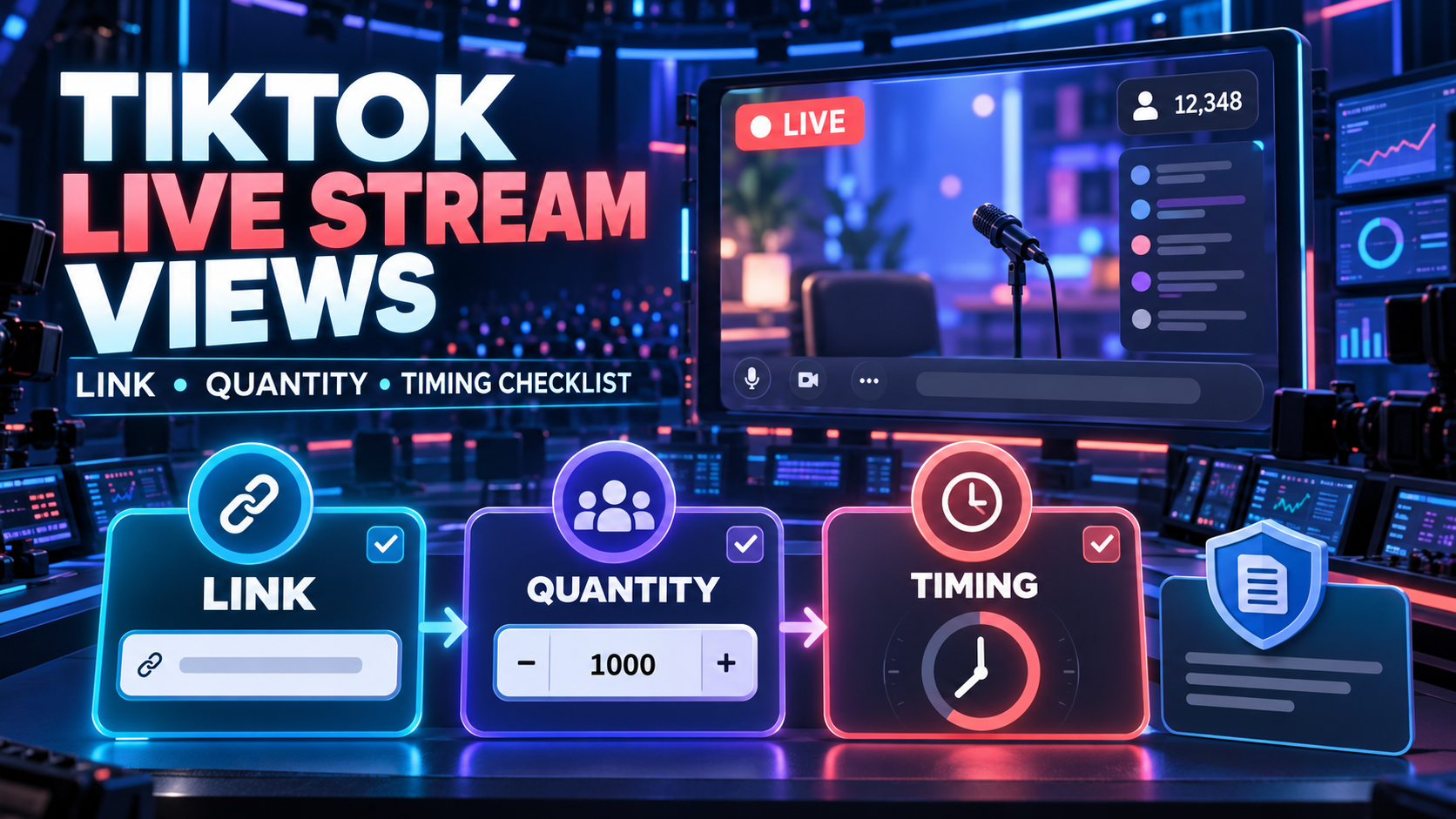
To buy TikTok Live Stream Views, start the public broadcast first, select a service meant for an active LIVE rather than a published video, check whether it accepts a direct LIVE URL or an @handle, choose both the concurrent viewer quantity and coverage period, then keep the same stream public until that period ends. Save the service terms and order record before closing the broadcast.
This purchase changes a visible live-room counter for a limited session. It does not establish unique viewers, watch time, comments, gifts, followers, purchases, or genuine attendance. TikTok's Community Guidelines prohibit trading services that artificially increase engagement and state that deceptive behavior may lead to restrictions or bans.
Quick checklist
- Confirm that the TikTok LIVE is active and public.
- Select a live viewers service, not regular video views.
- Read the accepted target format: direct LIVE URL or public @handle.
- Check the displayed start estimate, quantity range, duration, and exclusions.
- Choose a quantity and coverage window that fit this one broadcast.
- Open the target in a private browser window before submitting it.
- Place one order and keep the same LIVE running.
- Save the order ID, target, quantity, duration, charge, and timestamps.
The exact fields vary by supplier. The active catalogue row and checkout terms take priority over examples in any guide.
What you need before ordering
Prepare the broadcast, not just the account. You need:
- an active public TikTok LIVE or a confirmed target format accepted by the selected service;
- the planned end time for the stream;
- the segment during which coverage is needed;
- an approved maximum quantity and budget;
- enough time for the displayed validation or start estimate;
- a place to save the service label, order ID, and event times.
Do not provide a TikTok password, verification code, recovery code, email access, stream key, or logged-in session. A public live-room target does not require those credentials.
Step 1: distinguish live viewers from video views
Regular TikTok video views attach to a published clip and remain as a cumulative counter. TikTok live viewers attach to a broadcast that is running now and usually relate to viewer presence during a selected period. They are different services with different targets.
Check the category name, service description, and link example. A row that asks for a published-video URL is not a substitute for a live viewer row. Likewise, live likes, comments, gifts, or followers are separate actions unless the checkout explicitly lists them as separate items.
Step 2: start the public LIVE and verify the target
Some services require the broadcast to be active before the order can be validated. Start the correct LIVE, confirm that it is public, then open the target from a browser or device that is not signed into the broadcaster's account.
That test catches three common problems: the link opens a profile instead of a live room, the stream is limited to an audience the supplier cannot access, or an old link no longer resolves to the current session.
Do not submit a scheduled event page unless the selected row explicitly accepts scheduled targets. An inactive destination can consume the available start window while the order waits for a usable live room.
Step 3: fill in the link field exactly as requested
The accepted target is not universal. Current sellers use two common models:
| Accepted field | What to enter | Check before payment |
|---|---|---|
| Direct LIVE URL | The URL that opens the active broadcast | It opens the correct public room now |
| Public @handle | The broadcaster's exact username | The service says it discovers the active LIVE from the handle |
A direct URL may resemble tiktok.com/@username/live, but do not reconstruct it from memory when TikTok provides a share link. Copy the active target, paste it into a clean browser, and confirm that it reaches the intended session.
Do not enter a profile URL, published-video URL, shortened link that cannot be resolved, or a username when the row specifically requires a live URL.
Step 4: choose the quantity without treating it as audience data
The quantity field normally refers to a visible concurrent viewer amount associated with the selected service. It should not be reported as unique people, buyers, or participants.
Choose a quantity within the row's current minimum and maximum. A smaller first order reduces the financial and reporting impact of a wrong link, delayed start, or unsuitable service. Avoid formulas that claim a particular viewer-to-follower ratio is “safe” or “natural”; such ratios do not prove compliance and can become instructions for misrepresentation.
If the stream already has genuine viewers, record the visible count and timestamp before submission. Keep that observation separate from the ordered quantity because the public counter can fluctuate during a live broadcast.
Step 5: choose the coverage period around the live schedule
Live viewer products may price a viewer slot for a defined session length rather than use the same per-1,000 model as published-video views. The duration field describes how long the selected service is intended to cover the active broadcast, subject to its current terms.
Plan with four times:
| Time field | Meaning |
|---|---|
| LIVE start | When the public broadcast actually begins |
| Order submission | When the active target is sent |
| Start estimate | The supplier's displayed validation or queue estimate |
| Coverage end | When the selected duration is expected to finish |
The broadcast should remain live beyond the selected coverage end. If it stops or restarts early, the remaining period may not transfer to another session. Do not assume unused minutes will be credited; read the cancellation and refund wording before payment.
Step 6: calculate the complete order cost
Do not compare the headline rate alone. Record the viewer quantity, duration, currency, minimum order, wallet funding requirement, payment fee, and residual balance. Some catalogues display a rate in a “per 1,000” column even when the actual product is a timed session, so confirm the final charge at checkout.
Use the final payable amount for the decision. A low calculated line item can still require a larger wallet deposit, leaving balance that has no approved use.
Step 7: submit once and preserve the evidence
Reopen the target immediately before payment. Confirm the service ID, quantity, duration, and active LIVE. Submit one order, then avoid overlapping orders for the same session unless the service terms clearly support them.
Save this evidence packet:
- service name and ID;
- copied target and a screenshot showing it was active;
- quantity and selected duration;
- starting visible count and timestamp;
- charged amount and payment record;
- order ID and dated status events;
- current cancellation, refund, and support wording.
This packet documents the transaction. It does not prove that the visible viewers watched, interacted, or purchased.
If the live viewer order does not start
Check the target before opening a support ticket:
| Symptom | First check | Evidence to attach |
|---|---|---|
| Order waits while LIVE is active | Does the submitted link open the same public room? | Target, order ID, active-room screenshot |
| Service starts after the key segment | Was enough time allowed for the displayed estimate? | Submission time and service note |
| Viewer count falls before the chosen end | Is the stream still the same uninterrupted session? | Event times and current public count |
| Order is rejected | Does the quantity meet the row limits and target format? | Service ID, quantity, submitted field |
| LIVE ended early | Does the row allow cancellation or credit? | End time and checkout terms |
Do not repeatedly resubmit while the first order is unresolved. Duplicate orders make the public count and support investigation harder to interpret.
Using PaxSMM for a TikTok LIVE order
PaxSMM's current TikTok page lists live viewers among its TikTok services. It says public profile, video, or live links can be submitted without TikTok passwords or login codes, and that dashboard rows may show live price, minimum quantity, speed, refill rules, and notes. Those are current page-level statements; the exact live-viewer row still needs to be checked at checkout.
Use the service page to review the available TikTok Live Stream Views option, then confirm its accepted target, quantity limits, timing description, and current support terms. Apply the checklist above before adding funds or submitting the live room.
Policy and reporting boundary
TikTok prohibits the trade of artificial engagement services. A public-link workflow, a timed package, or a gradual start does not establish platform approval. Enforcement and service availability can change.
For reporting, label the order as a purchased visible metric. Keep it separate from TikTok LIVE analytics, average watch time, unique viewers, comments, gifts, product clicks, leads, and sales. Those outcomes require their own first-party data.
FAQ
When should I submit the TikTok LIVE link?
Follow the selected service row. Many live-viewer services require an active public broadcast, so start the LIVE, verify the direct target, and submit while enough time remains for validation and the full coverage period.
Can I submit my TikTok profile instead of a LIVE URL?
Only when the service explicitly accepts an @handle and states that it discovers the active broadcast. If the row asks for a direct LIVE URL, a profile link is the wrong target.
Are live viewers the same as total TikTok LIVE viewers?
No. A concurrent viewer count describes visible presence during the active session. It should not be treated as a count of unique people who watched the entire broadcast.
What happens if the LIVE ends early?
The remaining coverage may stop with that session and may not transfer. Check the row's cancellation, credit, or refund terms before ordering; do not assume unused time can be recovered.
Does the service include comments, gifts, followers, or sales?
Not unless those actions are separately listed and ordered. Live viewers are a visible live-room metric and do not establish interaction, demand, or revenue.
Final pre-payment check
Confirm one active public target, one live-viewer service, one quantity, and one coverage period. Save the displayed terms and leave enough broadcast time for the order to start and finish. If the target format or unused-time policy is unclear, stop before payment and ask support for a written answer.