
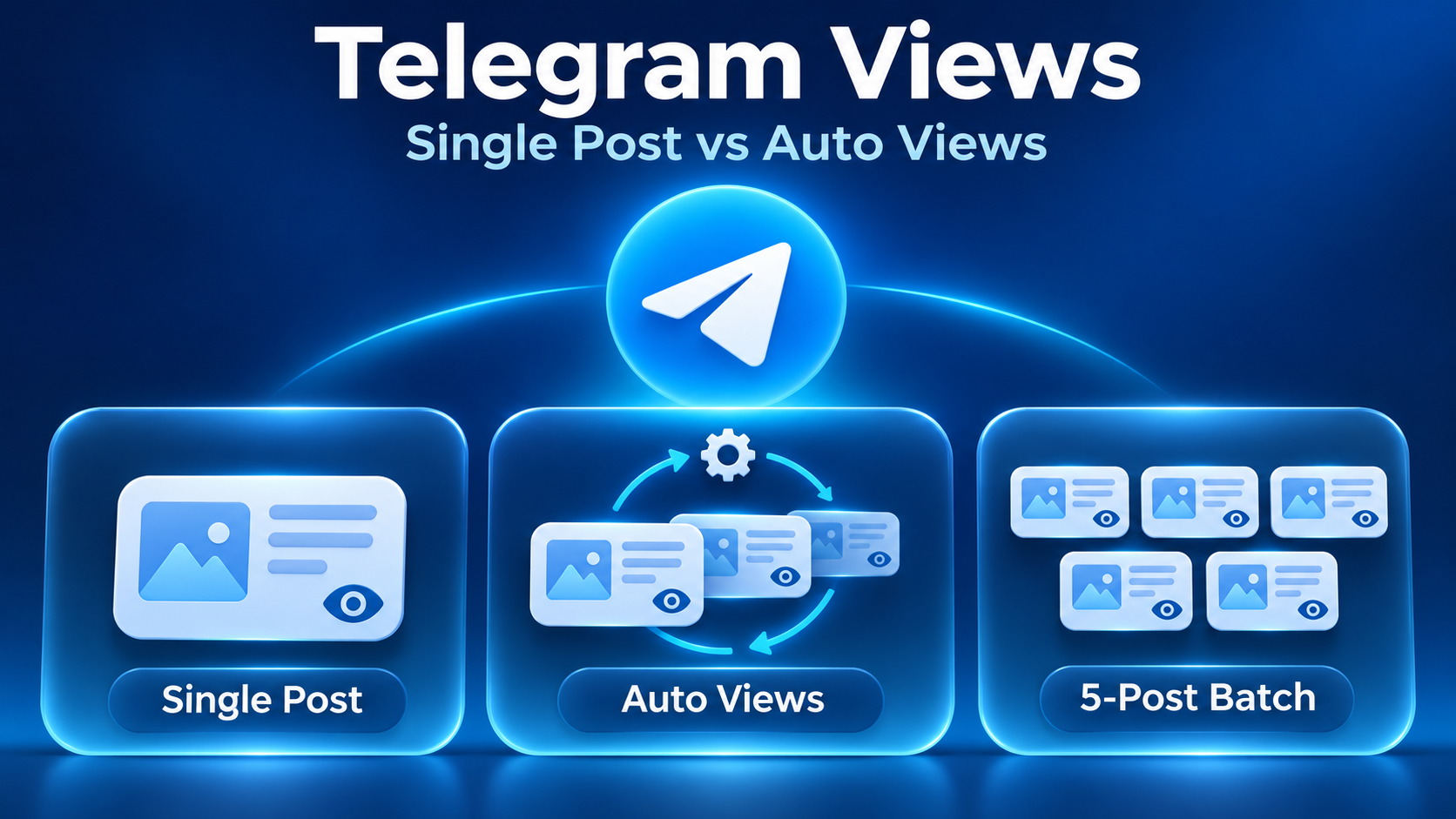
Choose single-post views when you need to name one exact Telegram message. Compare auto views when you want coverage to follow future channel posts. If you only want to cover the latest five published messages, look for a separate latest-five batch option whose selection rule explicitly matches that scope. A published-post batch does not establish coverage for future posts.
The choice starts with which posts you want included. A quantity field cannot correct an order aimed at the wrong content.
Single-post views: control over one message
A single-post order identifies its destination with a message link, such as https://t.me/YourLink/123. The final message number distinguishes that post from the channel itself.
This approach fits a specific announcement or tutorial, including an older message if the selected listing accepts it. Open the link before submitting and check the channel, text and publication date. A channel homepage does not identify which announcement you mean.
The tradeoff is separate targeting. If you want to choose several messages scattered through the channel history, single-post targeting lets you name each one. A recent-post batch may include different content.
Auto views: separate post coverage from views per post
An automatic option can suit a continuing publishing schedule because the order identifies a channel and uses coverage settings to determine which posts to include. Check the selected listing: automatic options may also offer historical-post coverage, and the name alone does not define the scope.
Two settings answer different questions:
| Setting | What it determines |
|---|---|
| Post coverage | How many future or historical posts are included |
| Views per post | The requested view quantity or range for each included message |
A future-post count is a publishing limit, not a view quantity. Likewise, a per-post range does not tell you how many messages the order covers.
Automatic coverage is useful when the intended set is upcoming content. If only selected announcements should receive views, check whether the available controls can express that selection before committing a whole publishing sequence.
Latest-five views: a recent batch, not five hand-picked posts
A latest-five option selects messages by recency when the selected listing explicitly specifies that rule. A label saying only “five published posts” does not establish it. This mode can fit a recent batch when those are the messages you actually want included. It does not establish that you can choose any five historical messages or that the next five publications will be covered.
If the channel will publish again soon, ask when the five messages are selected. Selection at submission and selection later could identify different sets. Also clarify how pinned posts and media albums are counted if either changes your intended batch.
A PaxSMM example: match the listing to the task
The PaxSMM English service catalogue illustrates these distinctions with three listings. Confirm the current order form before submitting; the descriptions explain scope but do not establish actual delivery results.
PaxSMM’s English 1611 title says “Last 5 posts”; its Chinese title says only five published posts, so the Chinese listing needs confirmation of recency.
| Task | Listing to compare | Described target | Quantity distinction |
|---|---|---|---|
| One specified message | 1281 | Post link | Requested views for that message |
| Future publishing, with historical coverage settings also described | 1411 | Channel username or full channel URL | Post counts and per-post minimum/maximum are separate settings |
| Latest five published messages, as named in the English title | 1611 | Channel username | The description does not explain how quantity applies across the five posts |
For the single-post listing, the description requires a public channel and warns that blocked posts may not receive views. It also warns against simultaneous orders of the same service for the same link. Keep the destination accessible: its stated link-change rule allows an invalid or changed link to result in the order being marked complete.
For the automatic listing, the catalogue uses 50 future posts and 10 historical posts to explain coverage fields. These are examples of post counts, not confirmed package sizes. Its per-post range instructions say to enter equal minimum and maximum values for a fixed requested quantity. This describes the request setting, not a guaranteed final counter value.
The automatic listing also describes an expiry setting. Before paying, establish the charging basis, deduction timing and what happens to unused post coverage at expiry. The description does not settle those questions; multiplying post counts by a displayed rate would assume a billing rule that has not been established.
For the five-post listing, clarify whether quantity means an amount for each post, a combined amount, or another allocation. Do not multiply or divide it by five. Its public-channel requirement and warning against simultaneous same-type services on the same target also affect whether an order is suitable.
Compare cost only after the scope is clear
For one message, compare the minimum spend needed for that target. For automatic coverage, establish both the covered post count and the charging rule. For a five-post batch, settle quantity allocation before comparing value. A lower displayed rate is not a useful saving if it refers to a different scope or an unclear unit.
For broader questions about budget, target checks and support terms, see the Telegram channel views buying guide.
Before placing a small test order, save the intended targets, requested settings and starting counts. Review those alongside the order status rather than treating a status label as proof of the visible change. Purchased view counts do not demonstrate genuine interest, discussion or conversions.