
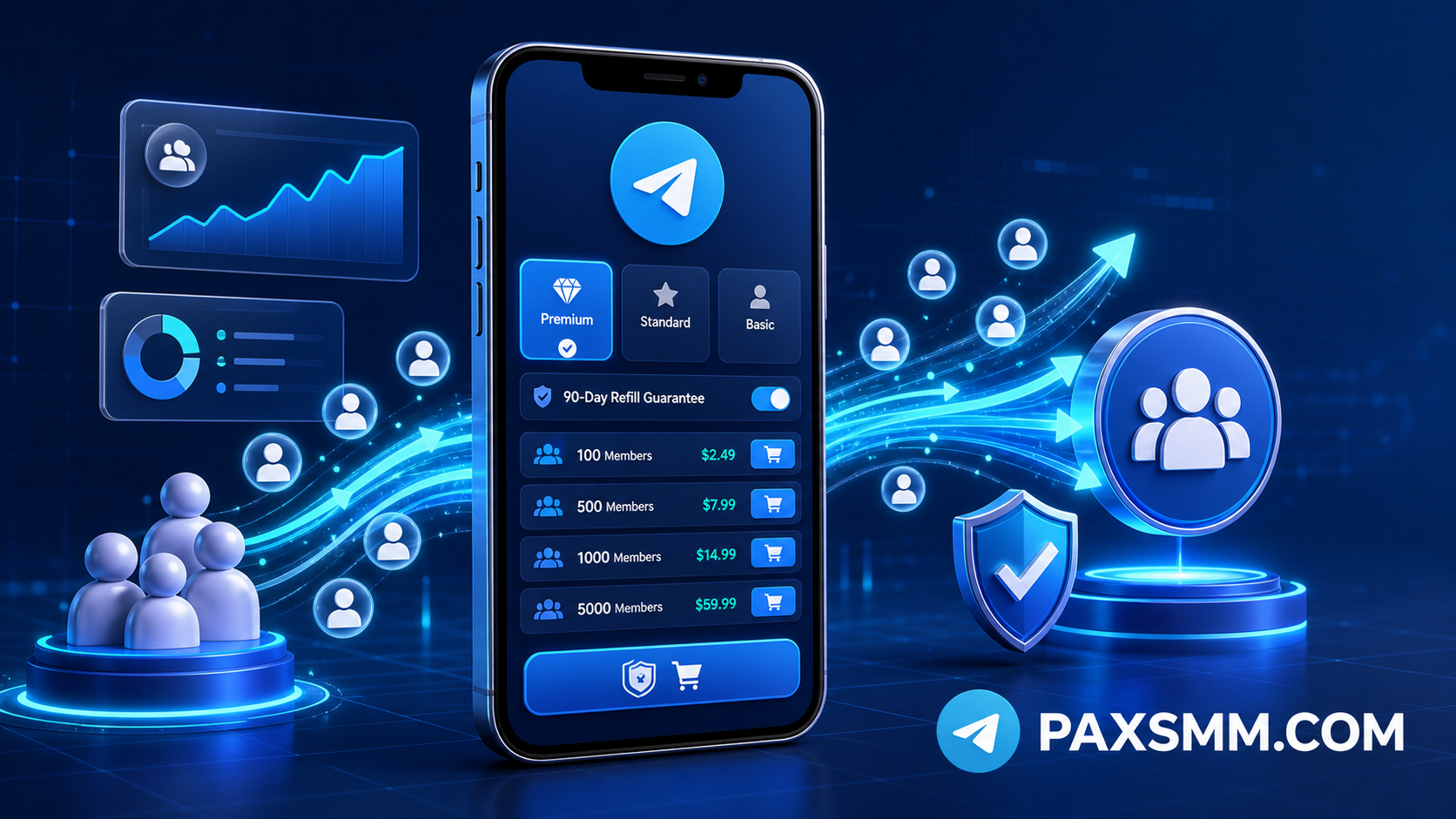
Choosing a Telegram member panel is not only a price decision. The real decision is whether the service fits your group link, order size, timing, support expectations, and evidence trail if the count changes after completion. Buyers need a practical way to decide what to order first, how to avoid link mistakes, when to wait, and when to contact support. This guide explains how to use a Telegram member SMM panel as an order workflow, not as a shortcut that replaces community planning.
For current Telegram service options, start from the PaxSMM smm panel telegram member page, then use the checks below before placing a group order.
What a Telegram Member Panel Is Used For
A Telegram member panel is usually used when a group needs a cleaner starting count for a launch, trading community, support group, creator audience, announcement funnel, beta group, or campaign landing point. It can help a group avoid looking empty when people arrive from ads, search, partners, or social posts.
That does not mean the order creates a complete community by itself. A member count can support credibility, but it cannot explain the group topic, answer questions, or make people care about the offer. Before ordering, the group should already have a clear name, pinned message, recent activity, and a reason for a visitor to stay.
The better buyer mindset is simple: use the panel to support an existing Telegram plan. Do not use it to hide the absence of one.
Quick Decision Framework Before Ordering
Use this table before choosing the first package. It helps separate a workable group order from a risky one.
| Decision area | What to check | Better choice | Risk if skipped |
|---|---|---|---|
| Group link | Public link or active invite link opens correctly | Test the link before submitting | Order may stall, cancel, or deliver to the wrong destination |
| Group readiness | Pinned intro, topic clarity, recent posts | Prepare the group before increasing count | Member number looks disconnected from real activity |
| First quantity | Current size, campaign stage, budget | Start with a small test order | A large first order gives no room to learn |
| Status tracking | Order ID and panel status fields | Watch status before escalating | Support requests become vague or premature |
| Refill evidence | Link screenshot, order ID, current count | Save proof at submission and completion | Drop review may not qualify or may be hard to verify |
If you cannot complete the checks in the first two rows, pause the order. Link quality and group readiness matter more than small price differences.
Link Checks Buyers Should Do First
The submitted link is the operational center of a Telegram group members panel order. If the link is expired, private, changed, restricted, or points to the wrong group, the order can fail.
Before ordering, open the group link in a clean browser session or from another Telegram account. Confirm that the group name matches the campaign, the invite page is reachable, and the link does not require extra approval. If the group uses an invite link, take a screenshot of the invite-link page before submission.
Do not rotate the invite link while delivery is active unless you are prepared for possible disruption. If the link must be changed for security or moderation reasons, record the time and keep the old screenshot. Support teams need to compare the submitted link with the current link state.
How Order Status Should Be Read
After placing an order, read the panel status before opening a support request. Common status fields include Pending, Processing, In progress, Completed, Partial refund, and Canceled.
Pending means the order has been submitted but has not clearly started. This can be normal during review, queue movement, or a service-side delay. Processing and In progress usually mean delivery has started. Completed means the panel has marked the task as finished, so compare the order quantity with the visible group count and your saved screenshots.
Partial refund means only part of the order could be completed and some balance may have been returned. Canceled means the order did not proceed. In those cases, check the link, service requirements, and order note before placing the same order again.
A practical support message should include the order ID, submitted link, current group link state, visible count, status field, and a short timeline. "My order is not working" is slower to solve than "Order 12345 is In progress, submitted link still opens, current count is 2,340, and no movement has appeared since yesterday."
First-Order Testing Workflow
For a new or untested group, use the first order as a test rather than the main campaign.
- Prepare the group with a clear title, pinned intro, recent messages, and basic moderation settings.
- Open the group link from another account or clean browser session.
- Save a screenshot of the invite link or public group page before submitting.
- Choose a modest quantity that fits the current size and activity level.
- Submit the exact group link and save the order ID immediately.
- Watch the order move through
Pending,Processing, orIn progress. - After
Completed, compare the count with the expected delivery and save a completion screenshot. - Wait long enough to observe whether the count is stable before placing a larger repeat order.
This workflow creates evidence before there is a problem. It also prevents a common budget mistake: buying the maximum quantity first, then discovering that the link, service type, or timing was not a good fit.
Refill and Support: What Actually Matters
Refill handling should be treated as a rule-based support process, not an open-ended promise. The service rule defines the scope, and support needs evidence that the same order, link, and group state can be verified.
If the member count drops after completion, collect the order ID first. Then prepare the invite-link screenshot taken at submission, the current group link state, the current visible member count, and a before/after screenshot if available. Explain what changed briefly: "Order 12345 completed on July 3. Submitted invite link still opens. Count moved from 3,000 after completion to 2,720 today."
Non-qualifying situations usually include a changed invite link without evidence, a group that became private or restricted after submission, missing order ID, no visible count evidence, requests outside the service rule, or drops caused by group removal, moderation changes, or link access problems.
Save proof at three points: before submission, after completion, and before contacting support. That is more useful than trying to reconstruct the case later.
Common Mistake Scenario: The Wrong Link Order
A frequent Telegram smm members mistake looks like this: the buyer copies an old invite link, places a large order, then changes the group link after noticing the mistake. When the order slows or completes unevenly, support receives only a complaint and no evidence of what link was submitted or when it changed.
The better sequence is to stop before ordering. Open the link, confirm the group identity, screenshot it, and only then submit. If you notice a wrong link immediately after submission, contact support with the order ID and wrong link details instead of placing another duplicate order.
This is why a small first order is useful. It turns link checking into a controlled test.
Pricing and Package Selection
Price matters, but the cheapest visible number is not always the best buying decision. Telegram group member orders should be compared by quantity unit, service label, refill wording, delivery expectation, and support clarity.
Agencies and resellers should be especially careful. If you are ordering for a client, you need to explain what the panel can track, what the status fields mean, and what evidence is needed for support.
For repeat orders, compare your own results instead of relying only on the package title. Review quantity, completion time, visible count after completion, drop pattern, and support response quality. Then decide whether to repeat, reduce quantity, change service type, or pause.
When a Telegram Group Members Panel Makes Sense
A Telegram group members panel makes the most sense when the group already has a defined purpose and the buyer wants the member count to support a broader campaign. It can be useful before a public launch, paid traffic test, creator promotion, or partner review.
It makes less sense when the group is empty, the offer is unclear, or the owner expects member count alone to create engagement. In those cases, fix the group first. Add an intro, post useful context, remove spam, define rules, and make the first screen understandable.
FAQ
Is a Telegram member panel enough to grow a group?
No. It can support the visible member count, but group growth still depends on topic fit, content, moderation, traffic sources, and whether visitors have a reason to stay.
Should I order Telegram members for a private group?
Only if the service requirements match your link setup. If access is restricted, approval-based, expired, or frequently changed, the order may not work cleanly. Test the invite link before submission.
What should I do if my order stays Pending?
First check the link and the service notes. If it remains delayed beyond normal expectations, contact support with the order ID, submitted link, screenshot, and current link state.
Can refill cover every member drop?
No. Refill depends on the service rule and evidence. Changed links, restricted groups, missing screenshots, missing order IDs, or requests outside the rule may not qualify.
Is a large first order better than several smaller orders?
Usually not for a new group. Smaller first orders make it easier to test the link, delivery behavior, status flow, and count stability before spending more.
Practical CTA
If your group is ready, the practical next step is not to chase the biggest package first. Check the link, prepare the group, place a controlled test order, save the order ID and screenshots, then decide whether to repeat based on actual delivery behavior. PaxSMM's Telegram service page can be used as the starting point for that first structured order.